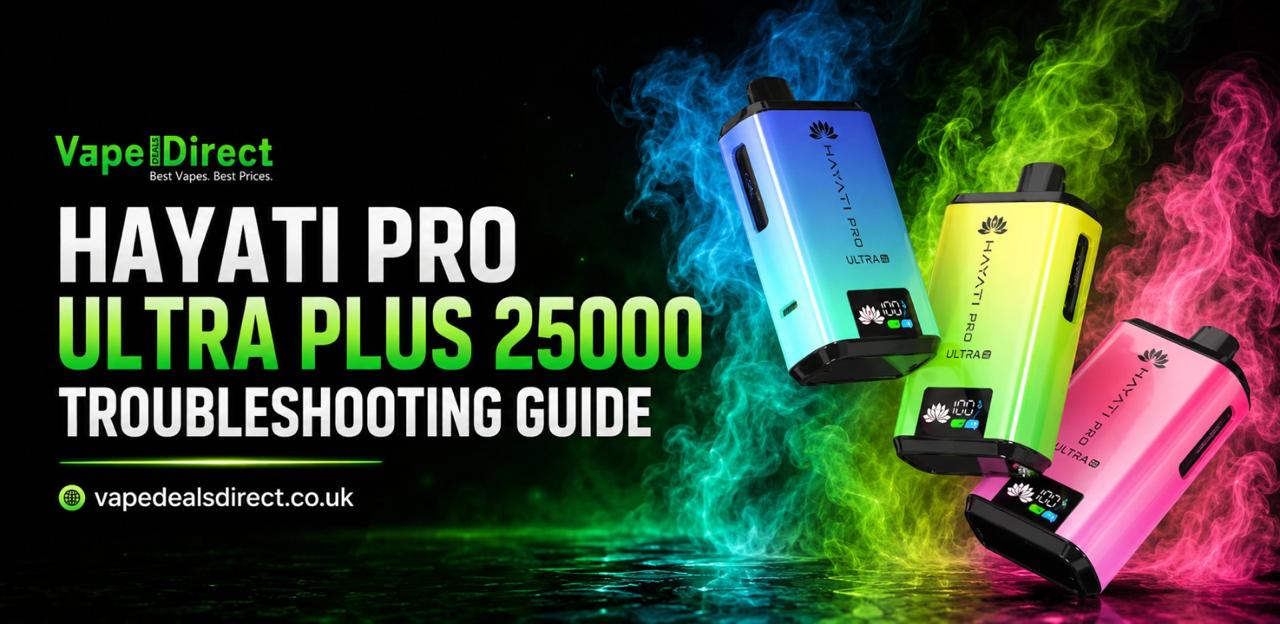
Hayati Pro Ultra Plus 25000 problems are easily fixable once you know what you’re looking for. Nine times out of ten, the trouble comes down to one of three things: a low battery, an empty pod, or a loose connection. Let’s discover the most frequent problems, such as weak puffs, no flavour, a dark screen, or a vape that doesn’t fire, and how to correct them. No jargon, plain and simple fixes.
Why Is the Hayati Pro Ultra Plus 25000 Not Working?
The first step to eliminating most problems is to test the battery. If the vape does not work, connect it to the USB Type-C charger and wait a few minutes. Hayati Pro Ultra Plus has a built-in 850mAh battery allows it to last throughout the day, and the smart display indicates your battery level in real time. A dead battery is the most frequent cause for a vape to stop working and it’s also the easiest to fix. Take the initiative and don’t be frightened.
Weak Puff? Verify the following two points:
There are 2 things that typically indicate a weak puff. The battery is low, or the pod is empty. First of all, look at the screen to see how much battery life is left. If a lower percentage is shown, then charge it up. If it seems the battery is healthy, the next suspect is the pod. When the e-liquid dries up, the coil is no longer able to generate the ‘vapour’ you’re accustomed to, and the draw is poor and unflavoured. Put in a new pod and see if that gives the hit back. For the most part, that’s the only trick.
Burnt or Missing Flavour? Time for a New Pod
When the flavour goes away or if you get a burnt taste, the pod has come to its end. Make sure you don’t press the pod for too many puffs — that’s what gives the burnt flavour in the first place. Remove the old pod from the battery, add a new one and wait about a minute before your first puff. This brief break will allow the liquid to absorb into the coil correctly, ensuring that the maximum amount of flavour is obtained from the first puff.
The Screen Won’t Light Up
If the screen is still dark, recharge the vape first. A completely flat battery won’t power the screen at all, so this is usually the whole story. Insert the Type-C cable and wait for the battery to fully charge, and the display should come back to life. If it still won’t turn on after a good charge, proceed with the pod checks first. If the issue is still not being resolved, the user should contact the seller
When the Vape Feels Hot
If the Hayati Pro Ultra is getting very hot, discontinue use and allow it to cool down. Heat is a warning sign you shouldn’t ignore, and no puff is worth pushing through it. After cooling, inspect the pod for damage, and ensure that you haven’t been vaping too far past the liquid’s expiration. A dry coil creates additional heat, which is something you don’t want.
Simple Habits That Prevent Most Problems
If you set up the vape correctly in the first place, most faults will not occur. Unpack it, and peel off all the protective stickers and silicone covers on the pods. Press firmly on the mouthpiece pod on the top of the vape to connect. No buttons, no settings — inhale to get started! Change flavours by drawing the mouthpiece up, turning it to the second flavour tank, and pushing it into place. And once the user has fitted a new pod, wait for a minute. Small steps, but keeps the whole system running smoothly.
When to Contact the Seller
If you have gone through these steps and the vape still doesn’t work, contact the seller. Rarely will any persistent problems arise, and most issues can be solved by recharging or replacing the pod. It lets them help you quickly if you send a quick message indicating what you have already tried. Until then, avoid extremes of temperatures and do not use it if anything feels wrong. Safety is always a top priority.
Quick Fixes at a Glance
For future reference, here is a list of things that you should look for if something feels off:
- Vape won’t fire: charge the battery, then try again.
- Weak puff: recharge, or replace the pod if it’s empty.
- No flavour or burnt taste: fit a new pod and wait a minute before puffing.
- Dark screen: charge with the Type-C cable and let the display wake up.
- Hot vape body: stop, let it cool, then check the pod; contact the seller if it recurs.
So there you have it. In most cases, the solution to Hayati Pro Ultra problems is simply to charge the battery, check the pod, or replace it. Keep the battery charged; replace the tank when it finishes, and hayati pro ultra will continue to provide all 25,000 puffs without stress.